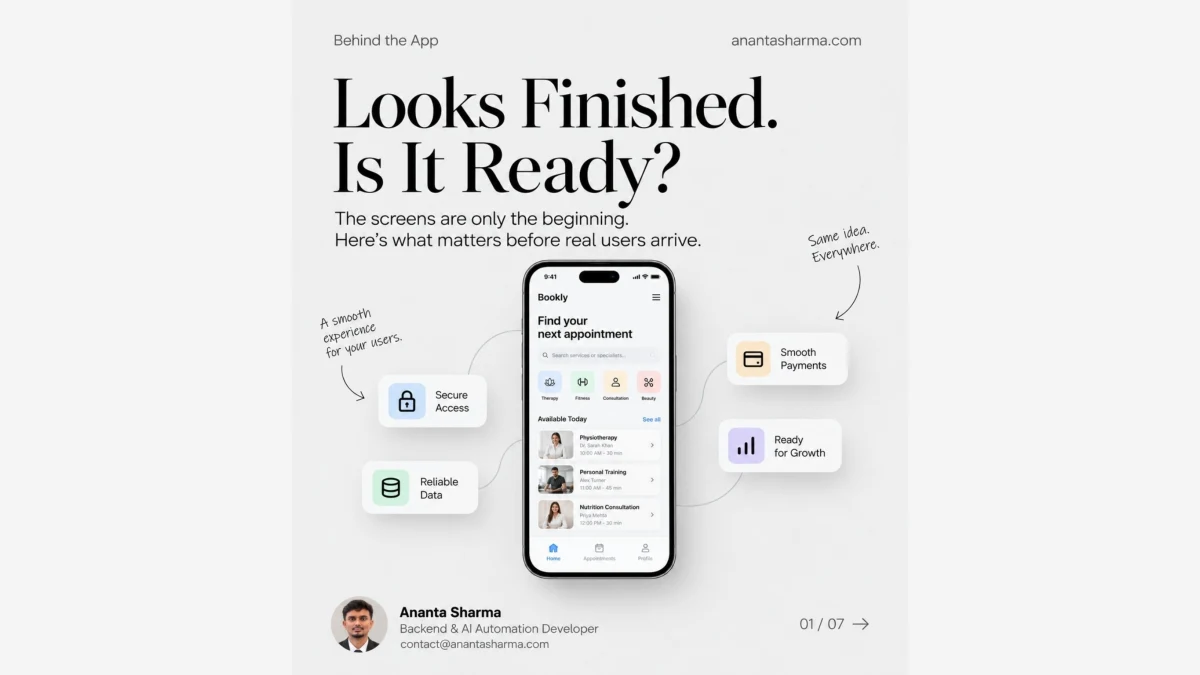
A polished interface can make an app feel finished. It is only one part of the product people rely on. Before real users arrive, the experience also depends on access, dependable data, payments, integrations, clear failure handling, and a team that can see what needs attention.
The booking screens in this carousel make that gap visible: the interface is the part people see; the work behind it is what makes each step dependable.
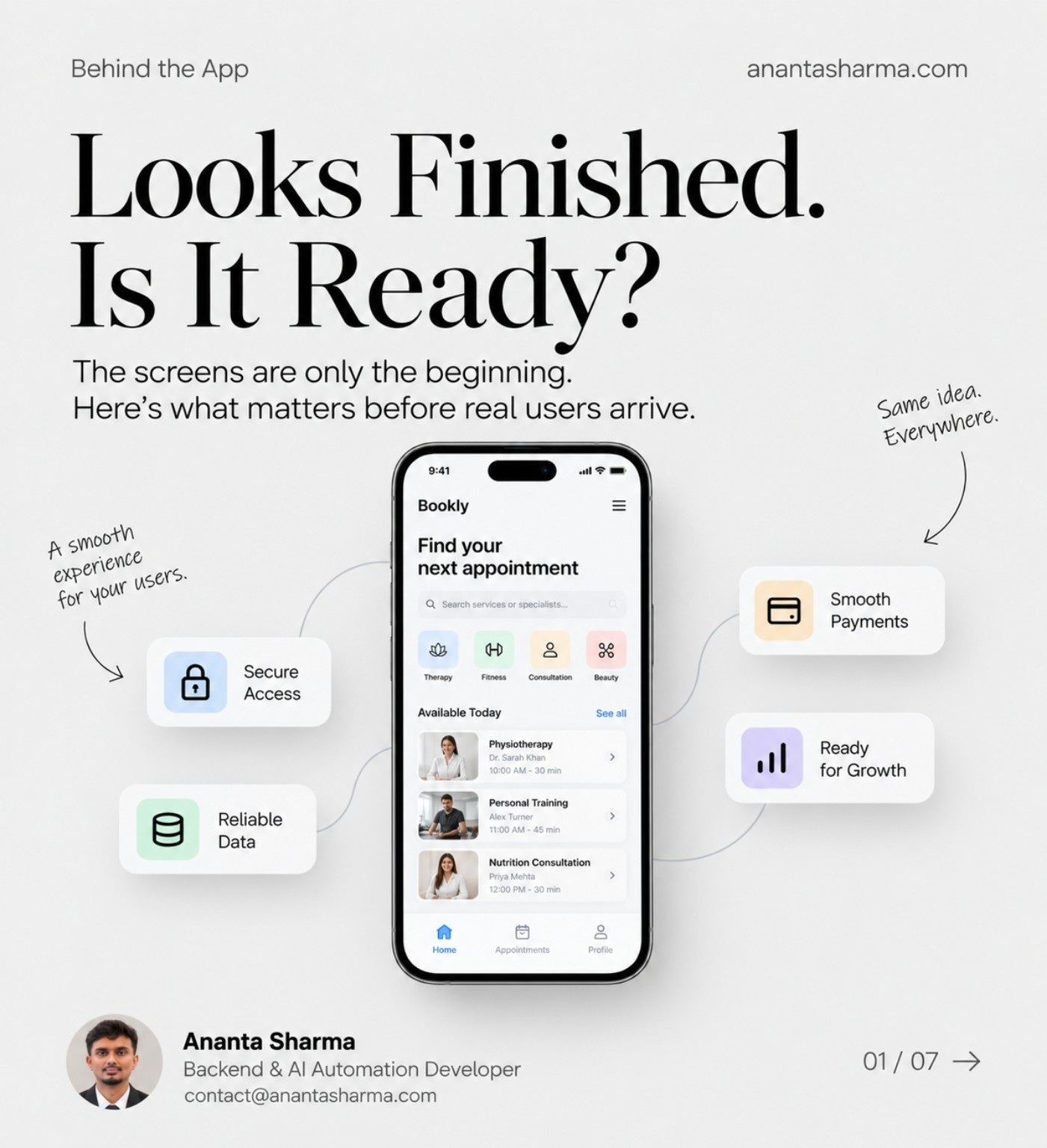
Design is the start of the delivery cycle
Good design gives users a clear path. Building turns that path into working behavior, and launch puts it in front of real conditions. Each stage should answer a different question: can people understand what to do, does the product do it reliably, and can the team support it once it is live?
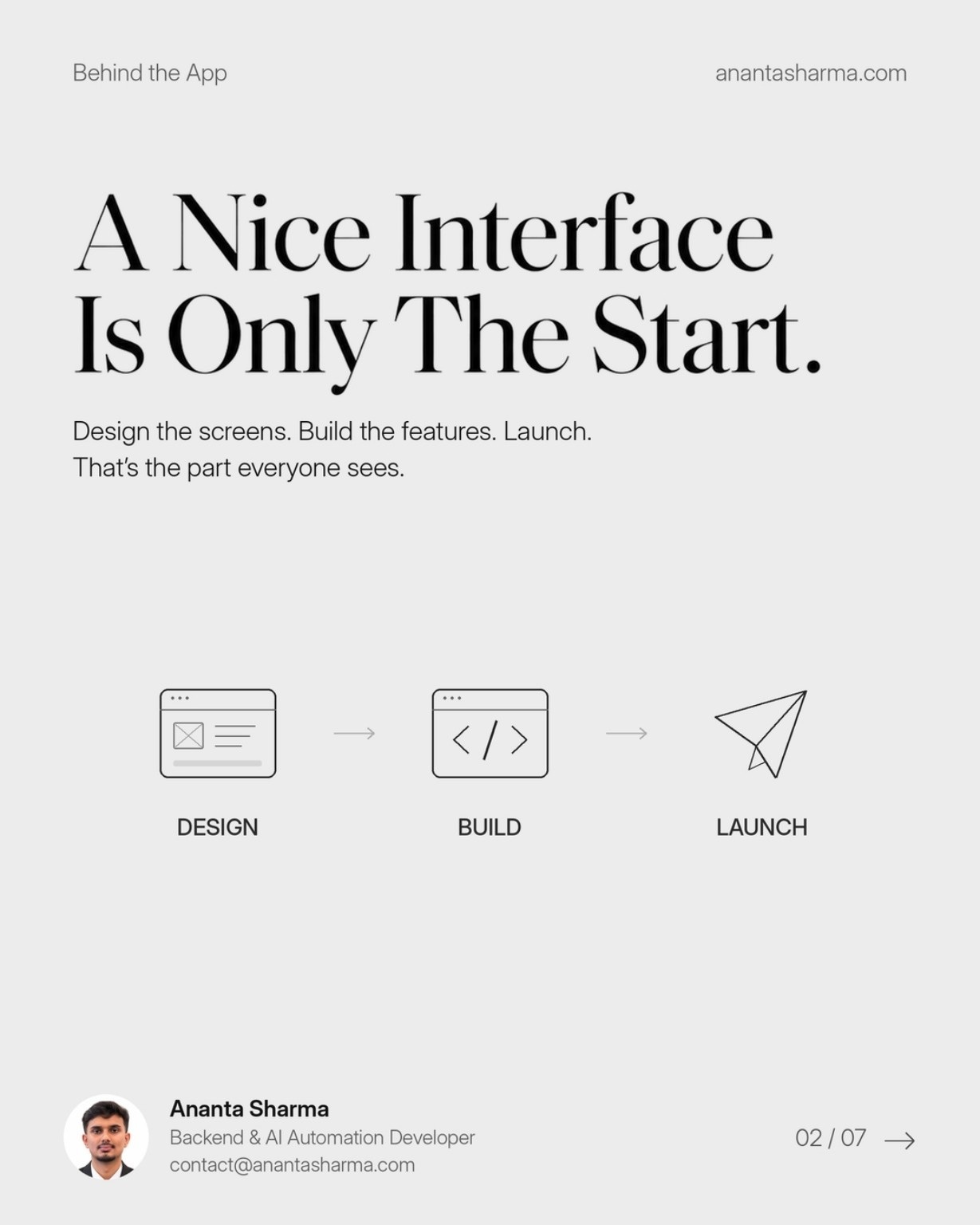
The important work sits behind the screen
A booking or checkout flow touches more than a set of buttons. It may depend on account access, accurate records, payment handling, third-party integrations, monitoring, and backups. The exact list varies by product, but every dependency should have an owner and a clear behavior when it is unavailable.
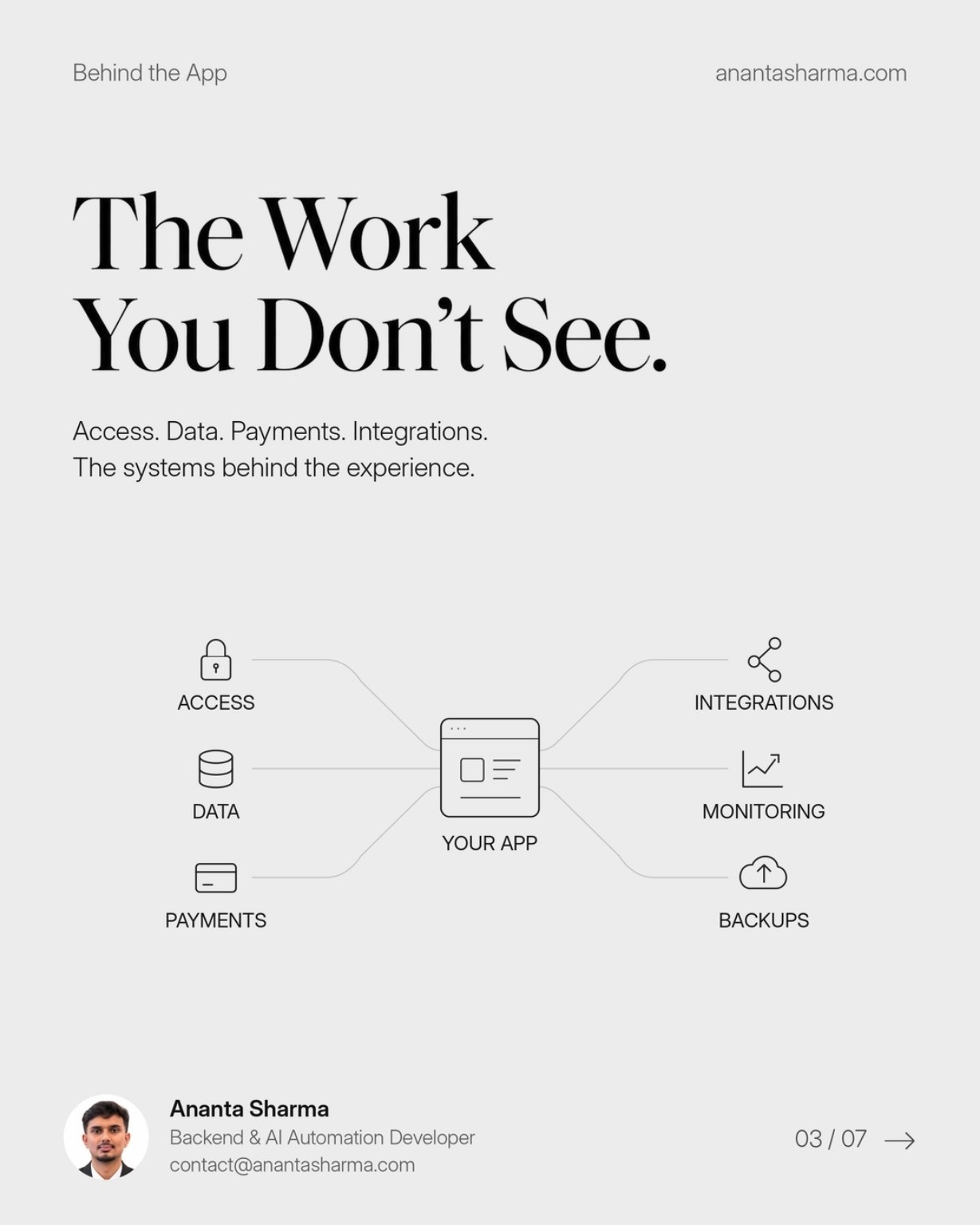
Design the failure states too
Happy paths are easy to present in a mockup. Real products also need to explain a failed payment, an unavailable service, or a lost connection. A useful error tells the person what happened and what they can safely do next. For example, a retry should not accidentally create a duplicate booking or charge.
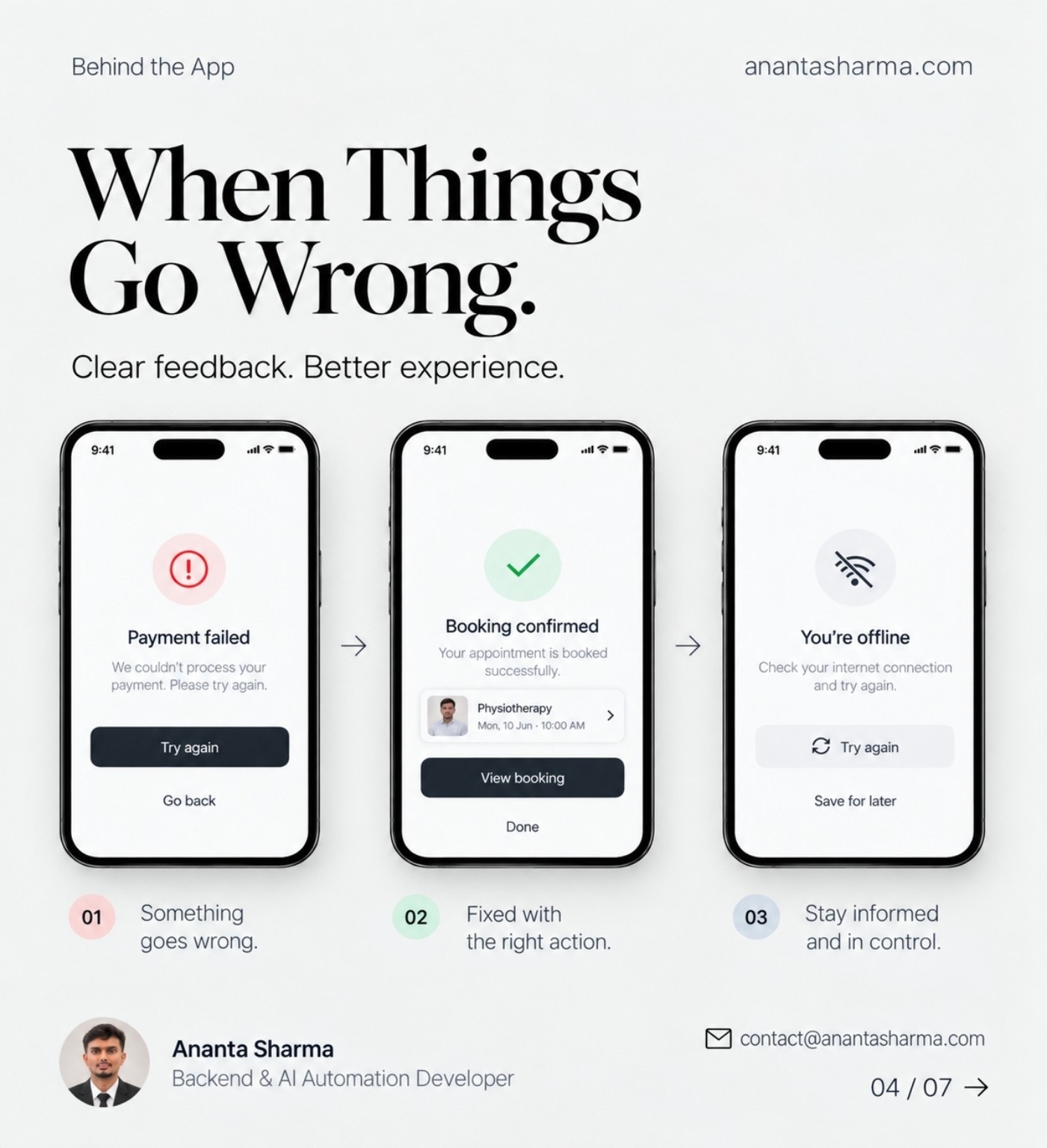
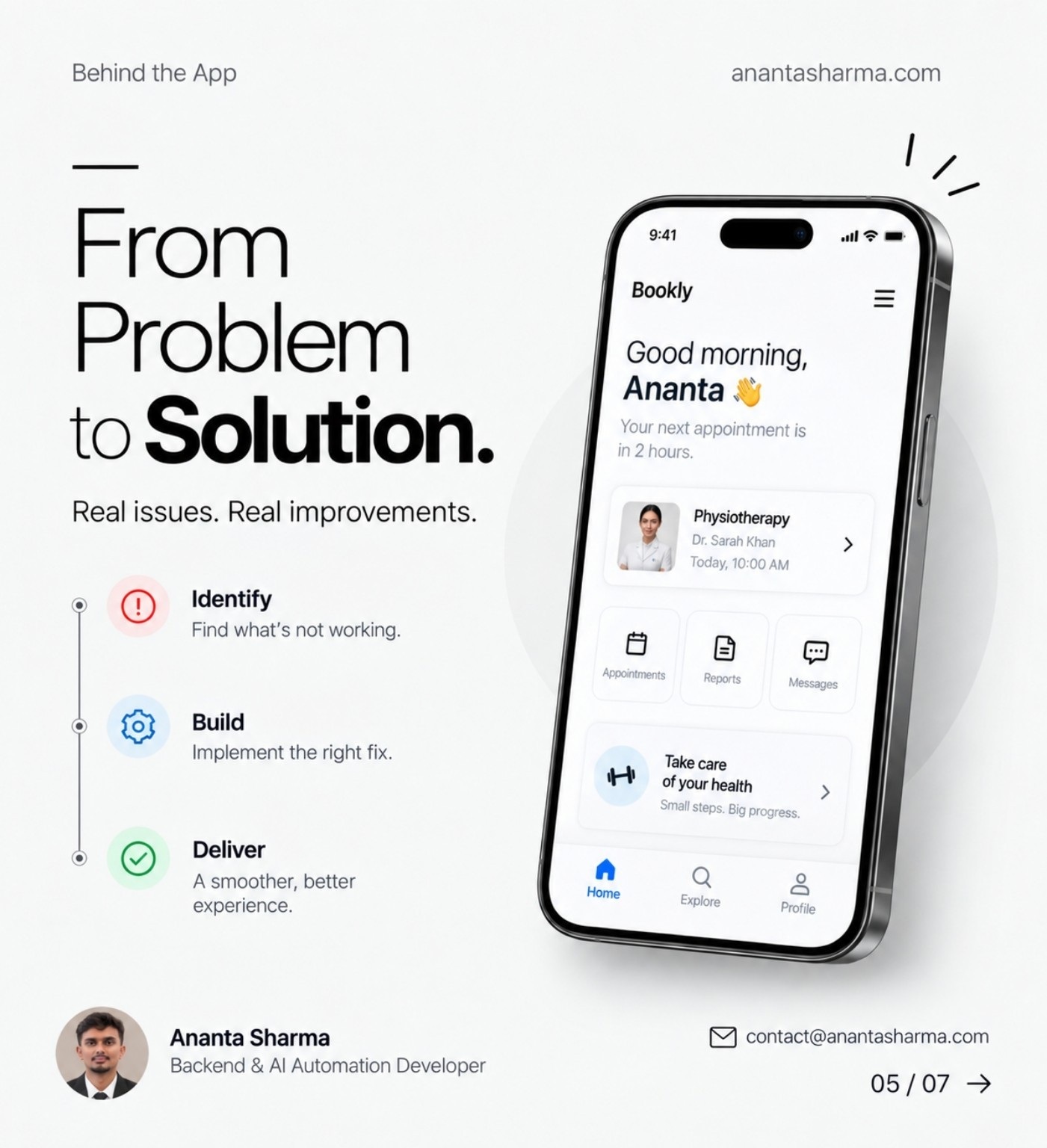
Turn real problems into focused changes
When something goes wrong, start by identifying the user impact. Then make the smallest change that addresses the cause, and confirm the full flow works again. This keeps fixes tied to an actual problem instead of adding features without evidence.
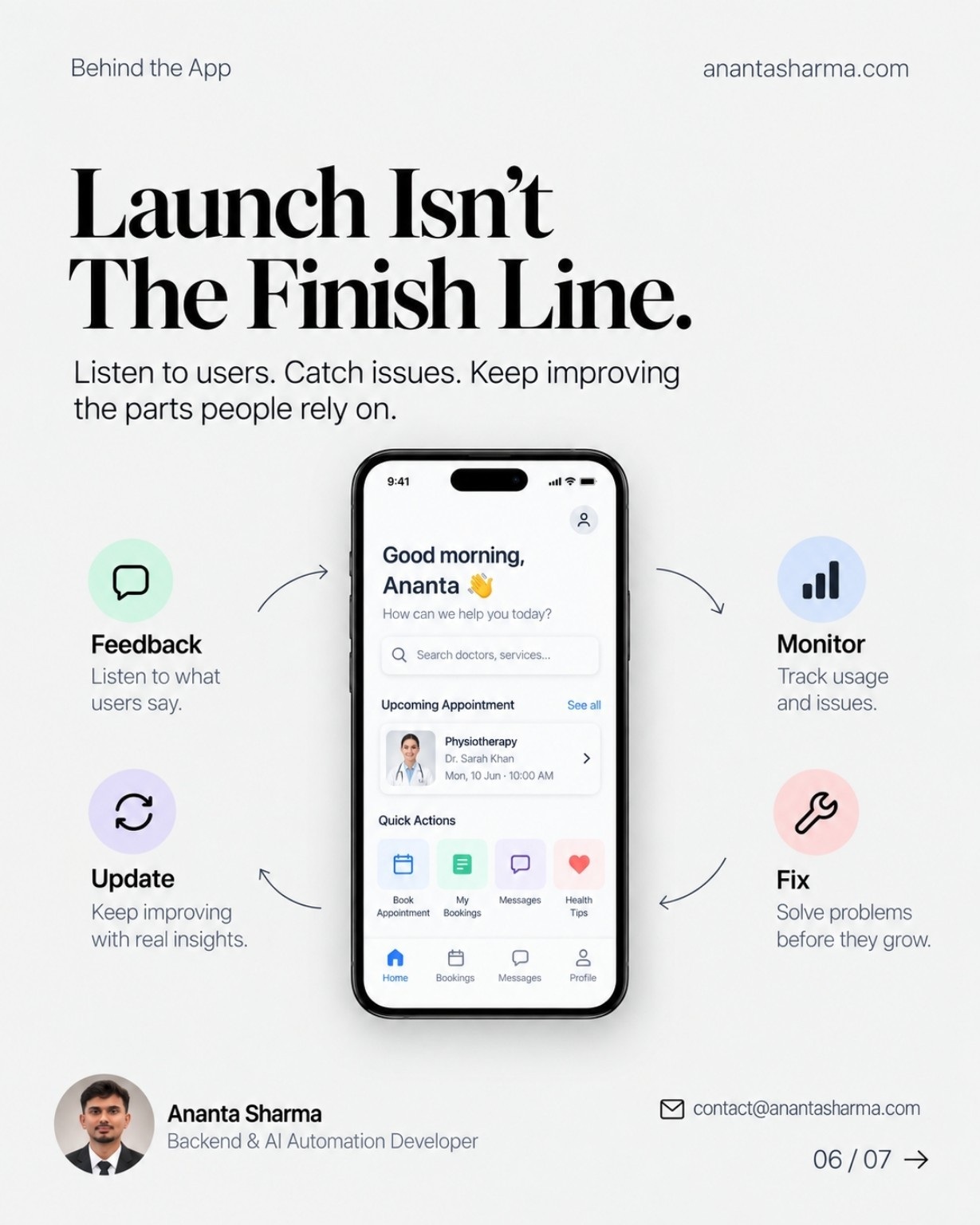
Launch starts the learning loop
After release, feedback and monitoring show where people get stuck and where the system needs attention. Capture the signal, investigate it, make a focused update, and watch the result. That loop helps a product improve without losing sight of reliability.
A practical readiness check
Before launch, ask:
- Are access rules and important data protected?
- What will the user see when a payment, integration, or network request fails?
- Can the team detect errors and restore important data?
- Does every important action end with a clear confirmation?
- Is there a way to collect feedback and decide what to fix next?
The goal is not to make every first release huge. It is to know which parts must work, what happens when they do not, and how the team will respond.

The interface is the beginning
A polished screen is a strong start. A dependable product also needs clear flows, sound data, thoughtful recovery, and a way to improve after launch. Planning those pieces early makes the experience better for users and easier for a team to support.