
If your team repeatedly copies information between tools, follows up with the same kinds of leads, prepares the same reports, or checks the same inboxes every day, you probably have a workflow worth automating.
The best starting point is usually not a fully autonomous AI agent. It is one controlled workflow with a clear trigger, reliable data, defined rules, and a human fallback.
This guide explains where AI workflow automation creates practical value, which business processes to evaluate first, what it costs in operational effort, and how to avoid automating a broken process.
Want help identifying the first workflow worth automating? Book a free 20-minute AI workflow discovery call. We will map one repetitive process and discuss whether rules, integrations, AI, or custom software are the right fit.
What is AI workflow automation?
AI workflow automation connects the tools your business already uses and moves work through a repeatable process.
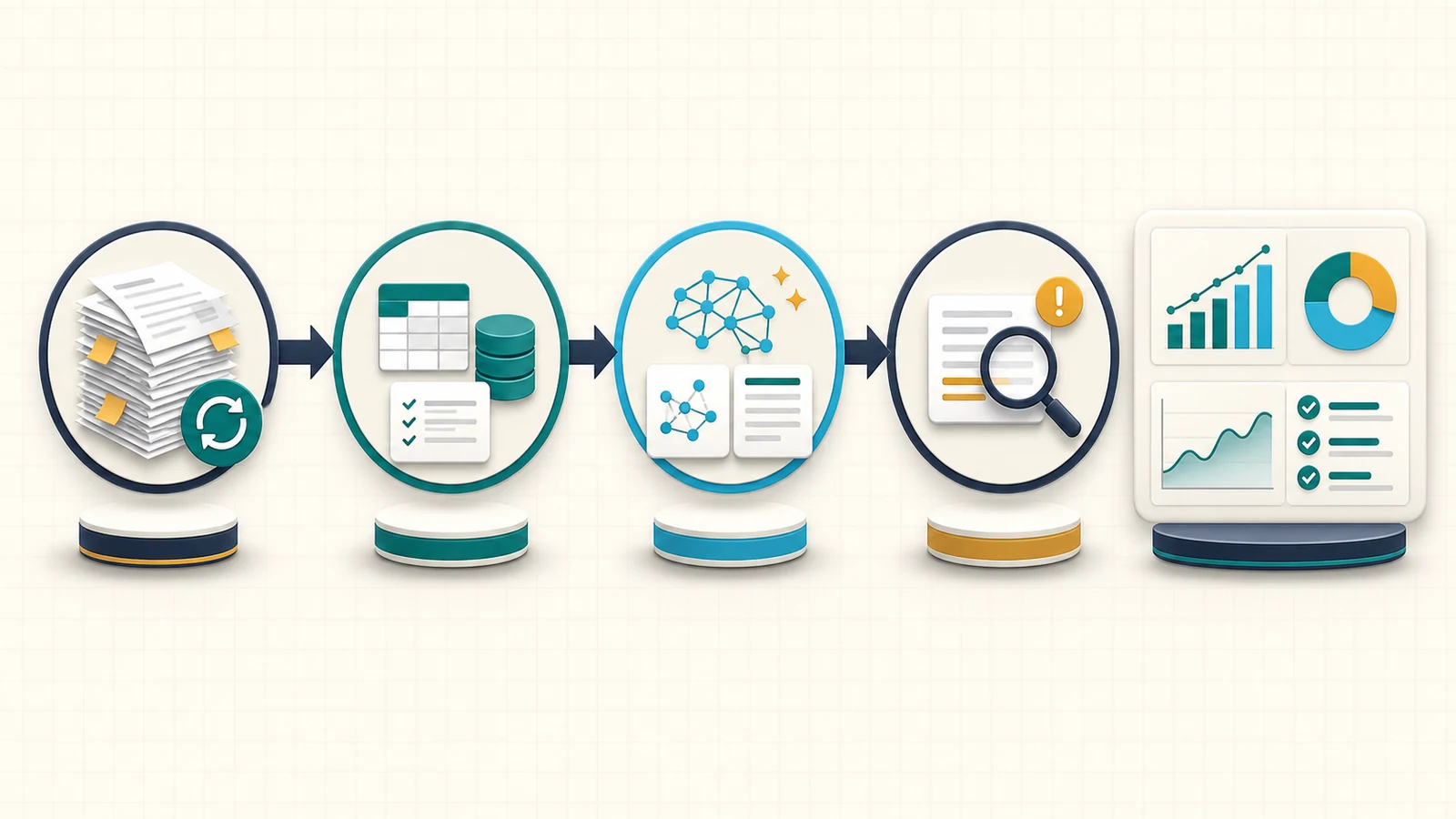
A workflow can listen for an event, collect the relevant information, apply business rules, use AI for a narrow reasoning task, update another system, and notify a person when review is required.
For example, when a potential client submits a website form, a controlled workflow could:
- Validate the contact details.
- Classify the enquiry by service, urgency, and location.
- Create or update the contact in your CRM.
- Draft a relevant response.
- Route high-value or unusual enquiries to a team member.
- Schedule follow-up if the lead does not reply.
- Record every action for later review.
AI is only one part of that system. APIs, permissions, validation, logging, retry logic, and human decisions make the workflow dependable.
Automation, AI workflow, and AI agent: the practical difference
These terms are often used as if they mean the same thing. They do not.
Rule-based automation
A normal automation follows fixed instructions: when this happens, do that.
It works well for predictable tasks such as creating calendar events, sending standard reminders, moving form data, generating folders, or updating CRM fields.
AI-assisted workflow
An AI-assisted workflow uses a model inside a controlled process. The AI might classify an enquiry, summarize a call, extract details from a document, or draft a message. Rules still control what happens before and after the AI step.
This is the right starting point for many businesses because it combines flexibility with operational control.
AI agent
An AI agent can choose from available tools and decide which action to take next. That flexibility is useful when the route changes from case to case, but it also introduces more risk, testing, and monitoring work.
Most companies should earn their way toward an agent. Start with a stable workflow, measure exceptions, and only add agentic decisions where fixed rules are genuinely insufficient.
Seven business workflows worth evaluating first
The best opportunity depends on your company, but the following workflows repeatedly create operational friction in service businesses and growing teams.
1. Lead capture and follow-up
Slow or inconsistent follow-up can turn a qualified enquiry into a lost opportunity.
A lead workflow can collect enquiries from forms, email, chat, advertising platforms, or spreadsheets; validate the data; identify the requested service; update the CRM; assign an owner; and prepare the next response.
AI can help when enquiries arrive as unstructured text. It can extract the budget, deadline, service category, location, and intent. Business rules should still decide who owns the lead and which actions are allowed.
This workflow is a strong first candidate when:
- enquiries arrive through multiple channels;
- staff repeatedly copy details into a CRM;
- response quality depends on who notices the message;
- leads are lost because nobody follows up;
- managers cannot see the current pipeline clearly.
2. Customer enquiry triage
Shared inboxes become expensive when every message requires someone to read, categorize, forward, and prioritize it.
An AI-assisted triage workflow can identify the customer, detect the topic, summarize the request, search approved knowledge, and route the message to the correct queue. It can draft a reply while leaving final approval with a person.
Do not begin by allowing AI to send every answer automatically. First measure classification accuracy, track exceptions, and define categories that always require human review.
3. Client onboarding
Client onboarding often includes the same sequence: collect information, confirm scope, request files, create a folder, schedule a kickoff, add tasks, and notify the delivery team.
A controlled onboarding workflow can make that sequence consistent without removing the human relationship.
The workflow might:
- send the correct intake form after an agreement is signed;
- check whether required information is missing;
- create the client record and project workspace;
- prepare an internal summary;
- schedule reminders for outstanding documents;
- notify the assigned team when onboarding is complete.
The result is not simply “fewer emails.” It is a visible process where fewer steps are forgotten.
4. Scheduling, reminders, and no-response follow-up
Booking tools solve the calendar selection step, but businesses often still manage confirmations, preparation instructions, rescheduling, missed appointments, and follow-up manually.
Automation can connect the booking event to your CRM, email, messaging, internal tasks, and reporting. AI is useful when a reply needs classification, but deterministic rules are usually better for dates, availability, and reminders.
5. CRM updates and repetitive data entry
Teams lose time when the same customer information lives in email, spreadsheets, forms, a CRM, and a project tool.
A workflow can decide which system is the source of truth, validate records, update approved fields, and flag conflicts instead of silently creating duplicates.
This is often a better investment than adding another dashboard. Clean information improves sales follow-up, customer service, reporting, and future AI use.
6. Proposals, invoices, and payment reminders
Software can already automate many fixed invoicing tasks without AI. Use those native features first.
Custom automation becomes useful when information must move between several tools or when the next action depends on project status. A workflow might prepare a proposal from approved scope data, create an invoice after a milestone, record the invoice identifier, schedule reminders, and alert a person when an account requires judgment.
AI can draft a contextual message, but amounts, payment status, recipients, and escalation rules should be verified by deterministic logic.
7. Recurring operational reports
Weekly reports are often assembled by copying numbers from several systems and writing the same summary again.
A reporting workflow can collect approved metrics, check for missing data, calculate deterministic totals, create a draft narrative, and deliver it to a manager for review.
Keep the source values separate from the AI-generated explanation. The model may summarize trends, but it should not invent or recalculate financial data.
How to choose the first workflow to automate
Do not choose a process only because it is annoying. Choose one that is repetitive, measurable, and stable enough to improve.
Score each candidate from one to five across these factors:
Frequency
How often does the task happen? Saving five minutes on a process performed hundreds of times can matter more than automating a two-hour quarterly task.
Manual effort
How much employee time does the full process consume, including checking, copying, correcting, and following up?
Cost of delay or error
What happens when the task is late or incorrect? Lost leads, delayed delivery, duplicate work, weak customer experience, and compliance problems have different levels of impact.
Process clarity
Can the team describe the current steps, required information, decision rules, and expected result? If every employee performs the task differently, process clarification comes before automation.
Exception rate
How often does the normal path fail? High exception rates do not make automation impossible, but they increase the need for routing, human approval, and recovery tools.
Data and integration access
Do the existing tools provide APIs, webhooks, exports, or reliable email events? Can the workflow receive only the permissions it needs?
Ownership
Who is responsible for the outcome? Every production workflow needs a business owner who can approve rules, review exceptions, and decide when the process should change.
The best first project usually has high frequency, meaningful cost, clear rules, accessible data, and an owner who cares about the result.
A simple way to estimate automation value
You do not need a complicated AI strategy document to compare opportunities.
Start with:
Monthly manual cost = runs per month × minutes per run × loaded hourly cost ÷ 60Then add the operational cost of errors, missed follow-up, delays, and rework where those values can be estimated honestly.
Compare that with:
- implementation effort;
- software and model usage;
- monitoring and maintenance;
- human review time;
- expected reduction in manual work;
- value of faster or more consistent execution.
Avoid promising that a workflow will remove 100% of the work. A well-designed system often removes the repetitive path while making exceptions easier for people to handle.
What a reliable implementation should include
A production workflow is more than a sequence of connected boxes.
Clear inputs and outputs
Define the event that starts the workflow, the information it requires, the systems it can update, and the outcome that marks it complete.
Least-privilege access
Each integration should receive only the permissions required for its job. Reading a calendar does not require access to financial accounts. Drafting an invoice reminder does not require permission to move money.
Validation
Validate required fields, formats, identifiers, allowed actions, and AI-generated structured output before the workflow changes another system.
Idempotency and duplicate protection
Retries happen. The workflow should not create two invoices, send two onboarding sequences, or duplicate a CRM contact because the same event was processed twice.
Logging and visibility
You should be able to answer what ran, which information it used, what action it attempted, whether it succeeded, and why it stopped.
Human fallback
Low-confidence classifications, unusual requests, sensitive decisions, and failed integrations need a visible review queue.
Monitoring and maintenance
APIs change, credentials expire, business rules evolve, and model behavior can shift. Assign an owner and define how failures are detected.
My production AI agent architecture guide explains the engineering controls behind tools, queues, approvals, durable state, and observability. If the workflow also needs custom APIs or system integration, see the scalable backend architecture guide.
What should not be automated first
Avoid starting with:
- a process nobody can explain consistently;
- rare work with little cost or delay;
- high-risk decisions without human accountability;
- unrestricted access to payments, legal commitments, or destructive actions;
- a task where the source data is unreliable;
- customer communication that has not been tested with real examples;
- a giant “automate the whole company” project.
Start with one process. Establish a baseline, implement the controlled path, observe exceptions, and improve it.
What happens during an AI workflow discovery call?
The discovery call is designed to determine whether there is a practical opportunity—not to force AI into a process.
We will discuss:
- What your business does and which team owns the workflow.
- The repetitive process you want to improve.
- How frequently it runs and where delays or errors occur.
- The tools and data involved.
- Which steps are fixed rules and which require judgment.
- Security, approval, and fallback requirements.
- Whether existing software, a normal integration, an AI-assisted workflow, or custom software is the sensible next step.
You leave with a clearer first use case. If the process is not ready for automation, I will say so.
Book your free AI workflow discovery call to evaluate lead follow-up, onboarding, scheduling, CRM work, reporting, or another repetitive process in your company.
Frequently asked questions
Does my business need an AI agent?
Probably not as the first step. Many companies get more value from a controlled workflow that uses fixed rules and one or two narrow AI tasks. An agent becomes useful when the process genuinely requires changing steps or choosing among several tools.
Can AI automation work with our existing software?
Often, yes. The answer depends on whether your CRM, calendar, email, accounting, forms, project tools, or internal systems expose APIs, webhooks, exports, or reliable events. A discovery audit should confirm integration access before promising a solution.
Is business data safe in an AI workflow?
Safety depends on architecture and operating choices. Use least-privilege permissions, minimize the data sent to models, separate sensitive actions, validate outputs, keep logs, and require human approval where risk is high.
How long does an AI automation project take?
It depends on the number of systems, process clarity, integration quality, exception paths, testing requirements, and approval rules. A narrow workflow can be evaluated and piloted much faster than a multi-department system. Scope the first measurable outcome before estimating implementation.
How much does AI workflow automation cost?
Cost includes discovery, implementation, integrations, software subscriptions, model usage, monitoring, and maintenance. The right comparison is not the cheapest tool; it is the workflow's total operating cost versus the time, errors, delays, and missed opportunities it can reduce.
What should I prepare before booking a consultation?
Bring one repetitive process, rough monthly volume, the tools currently involved, examples of normal and unusual cases, and the name of the person who owns the outcome. You do not need a technical specification.
Start with one measurable workflow
AI automation works best when it is attached to a real operational problem.
Choose a repetitive process. Define the trigger, rules, data, outcome, exceptions, and owner. Use AI only where it adds useful judgment. Keep people responsible for sensitive decisions.
If you want a technical partner who can handle the workflow, APIs, integrations, validation, monitoring, and custom software around the AI step, review my AI automation and software services, explore selected backend and AI projects, or book a free 20-minute consultation.