AI Receptionist for Small Business: Costs, CRM Integration, and Human Handoff
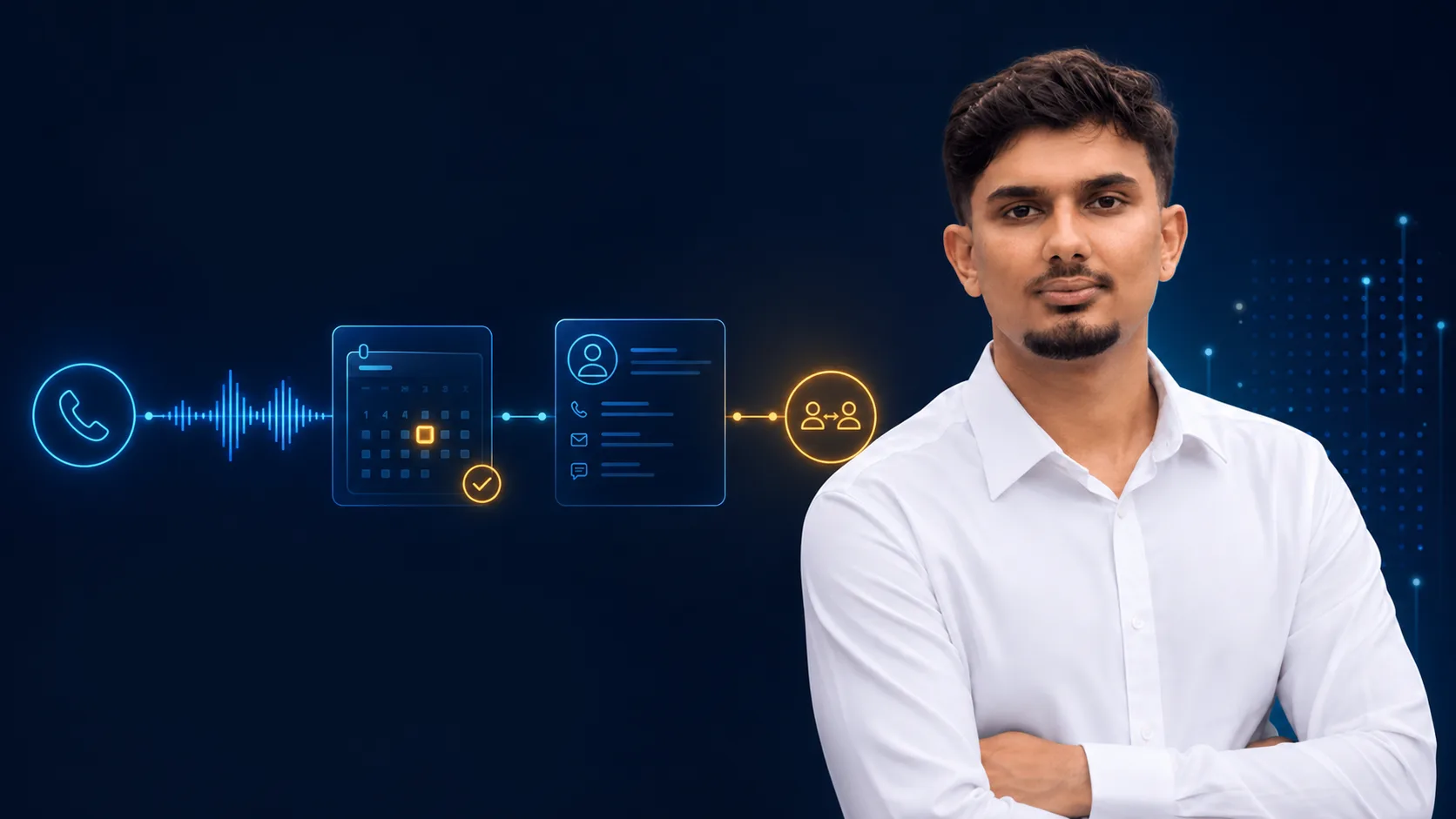
An AI receptionist can answer routine calls, capture new enquiries, qualify leads, book appointments, and send follow-up messages. The best small-business deployments do not try to replace every human conversation. They automate the predictable first layer and transfer anything uncertain, sensitive, or high-impact to a person with the full conversation context.
That distinction matters. A business does not buy a voice model; it buys fewer missed enquiries, faster response times, cleaner bookings, and a reliable way to hand off the conversations that need judgment. This guide explains what an AI receptionist for a small business should handle, what it should not handle, how it connects to a calendar and CRM, what affects cost, and how to evaluate a safe pilot.
What is an AI receptionist?
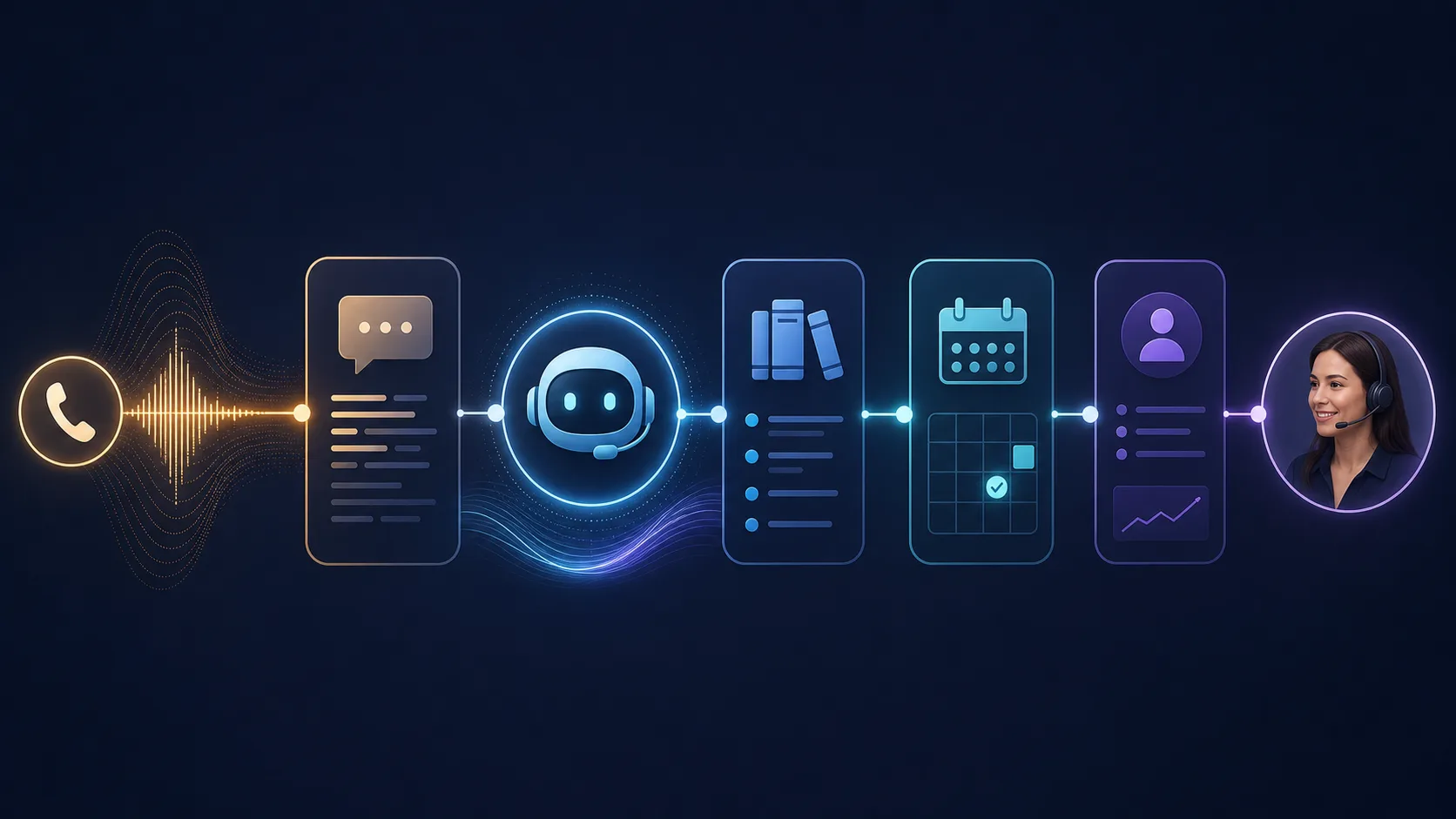
An AI receptionist is a voice or chat system that sits in front of a business's existing phone, calendar, CRM, help desk, or booking software. It listens to a customer's request, uses approved business information, calls a small set of tools, and responds with the next useful action.
For a service business, that may mean:
- answering opening hours, location, pricing-range, and preparation questions;
- collecting a name, contact detail, service type, and preferred time;
- checking live calendar availability before offering an appointment;
- creating a lead or updating a CRM record after confirmation;
- sending a confirmation or follow-up message; and
- transferring the call when the customer asks for a person or the request is outside policy.
The receptionist should be connected to current business data. A prompt that contains last month's prices or an old schedule is not a reliable customer-service system.
What should an AI receptionist automate first?
Start with a narrow call lane that has a clear success condition. Appointment requests are often a good starting point because the system can be measured: did it identify the service, check the correct calendar, book the right slot, and send a confirmation?
Other sensible first lanes include:
Frequently asked questions
Use a controlled knowledge source for questions with stable answers: hours, location, parking, preparation, service areas, and basic policies. Give the system an explicit fallback when the answer is missing instead of encouraging it to guess.
Lead capture
The receptionist can ask a small number of qualifying questions and write structured fields to the CRM. Keep the questions short. A caller who wants help should not be forced through a long form before reaching a person.
Booking and rescheduling
A booking tool should check live availability, create the appointment only after the caller confirms, and return the booking identifier to the workflow. Never ask a model to invent availability or silently change an appointment.
After-hours follow-up
An AI receptionist can answer after hours, capture the reason for the call, and promise a human response within a real service window. The system should create a task for the right team rather than saying that someone will call back without recording anything.
What should stay human?
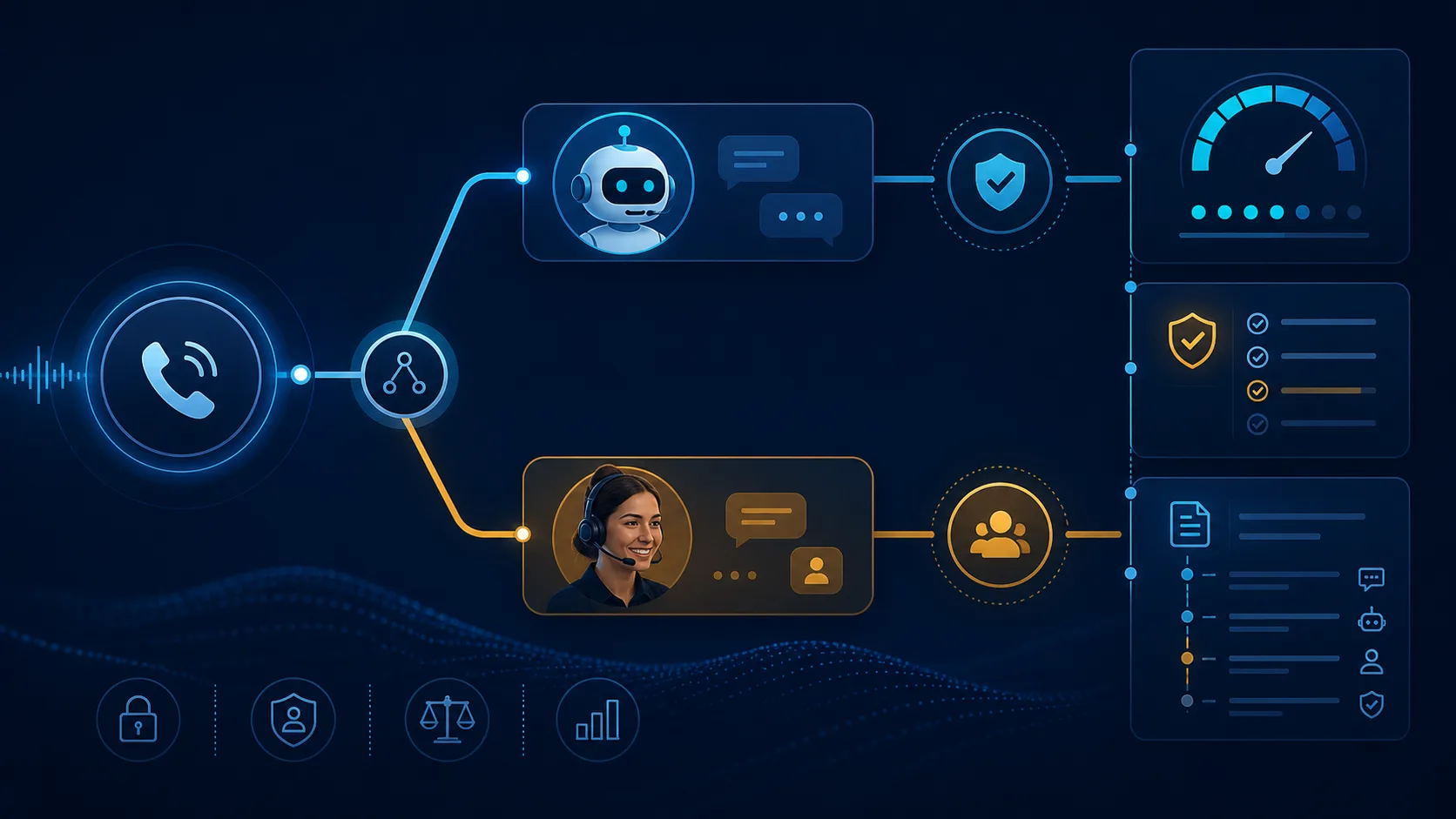
The safest boundary is based on consequence, not on whether a task sounds simple. Keep a human in the loop when the conversation involves:
- complaints, refunds, disputes, or threats of legal action;
- medical, financial, legal, or other regulated advice;
- unusual discounts, contract changes, or exceptions to policy;
- a confused or distressed customer;
- sensitive personal information that the workflow does not need; or
- any request where the assistant's confidence is low or the source information conflicts.
Human handoff should be a first-class state, not an apology at the end of a failed conversation. Pass the transcript or summary, captured contact details, requested action, relevant customer record, and the reason for escalation. If a caller has to repeat everything, the automation has moved work rather than removed it.
A production call flow
The implementation can be designed as a small state machine:
- Receive the call and identify the business line, time, and caller context.
- Transcribe the request and classify it into a known intent.
- Retrieve only the approved policy or knowledge needed for that intent.
- Ask for missing fields using short, explicit questions.
- Call a narrow tool such as
checkAvailability,createLead, orsendConfirmation. - Confirm the result with the caller before a side effect is committed.
- Transfer or create a human task when the intent is uncertain, risky, or explicitly requested.
- Record the outcome, latency, tool result, and escalation reason for review.
Keep the model away from direct database writes. Put permissions, validation, business rules, and idempotency in the application layer. The voice assistant may propose an action; the backend decides whether that action is allowed.
CRM and calendar integration
The integration quality will usually determine whether the receptionist feels trustworthy. Before building, map the actual source of truth for each field:
- Calendar: availability, time zone, working hours, buffer time, cancellations.
- CRM: contact identity, lead source, service interest, owner, lifecycle stage.
- Phone system: caller ID, recording policy, transfer number, voicemail behavior.
- Messaging: confirmation channel, template, opt-in rules, delivery status.
Use a stable external identifier for every booking and lead. If a webhook is retried, the workflow should update the existing record rather than create a duplicate. Store times in a consistent time zone and show the local time back to the caller before confirmation.
The first version does not need ten integrations. One phone path, one calendar, one CRM destination, and one human escalation channel are enough to prove value.
Reliability and failure handling
Expect failures. A phone network can drop, a calendar API can time out, a CRM can reject a field, and a model can misunderstand a name. Design explicit responses for each case:
- retry transient API failures with a limit and backoff;
- never retry a side effect without an idempotency key;
- fall back to a human or voicemail when the system cannot verify a booking;
- log a correlation ID so support can trace one call across services;
- alert on rising transfer rates, failed tool calls, and long response times; and
- review a sample of successful calls, not only error logs.
How much does an AI receptionist cost?
The price depends less on the word “AI” and more on the workflow around it. Scope usually includes conversation design, phone or chat setup, knowledge preparation, calendar and CRM integration, backend safeguards, testing, deployment, monitoring, and ongoing updates.
Ask for a total operating-cost view that includes:
- phone minutes and speech-to-text or text-to-speech usage;
- model or platform usage;
- hosting, logging, and monitoring;
- integration maintenance when a provider changes its API;
- human review and escalation handling; and
- the cost of missed calls, duplicate bookings, or incorrect answers.
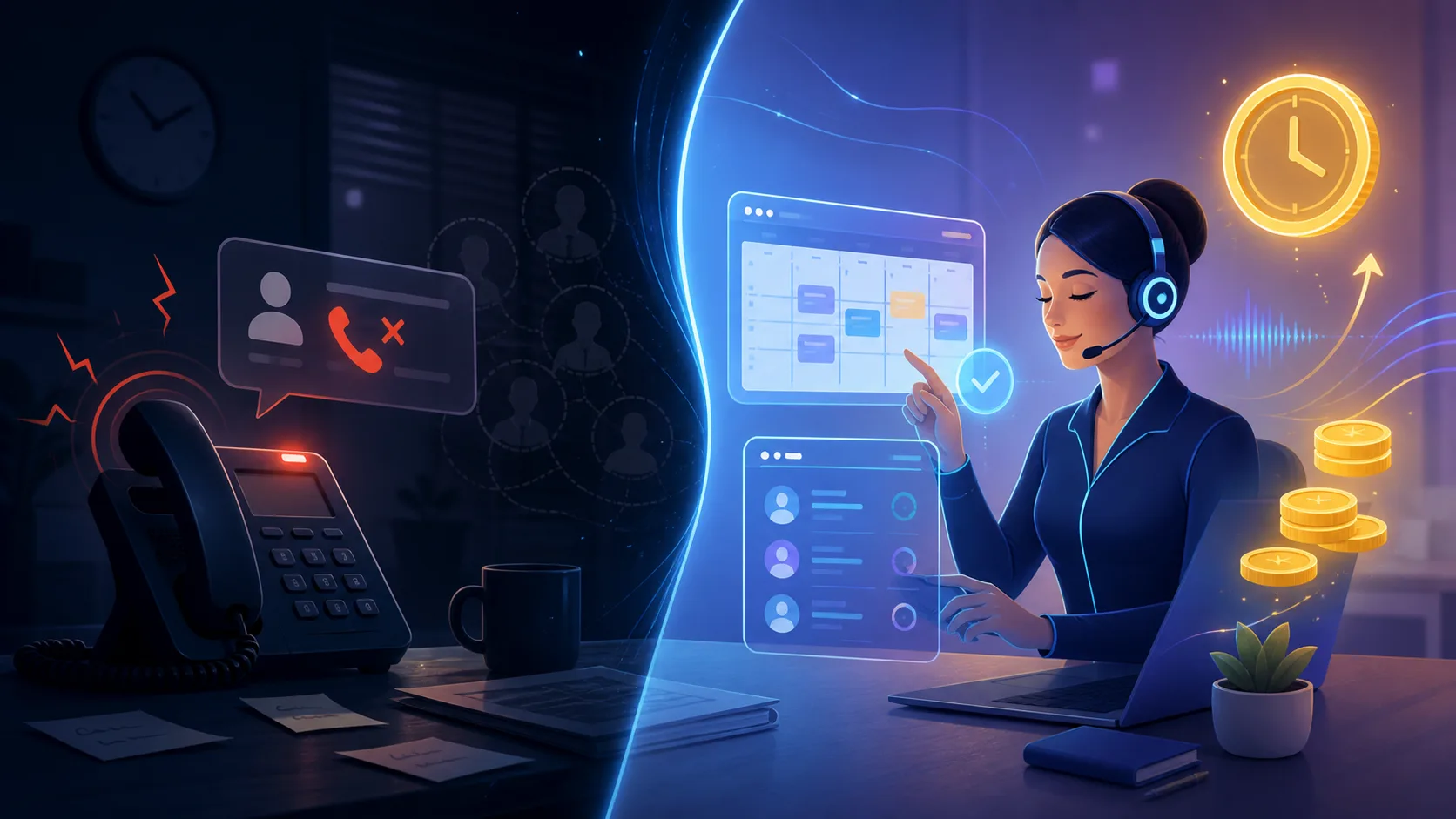
The useful ROI question is not “How cheap is the bot?” It is “How many qualified enquiries can the system recover or handle, and what is the cost of a wrong action?” If a workflow cannot be measured with a baseline and a success metric, it is not ready for automation.
Build vs buy for a small business
Buy a managed solution when the business needs a standard answering experience, has little technical capacity, and values fast setup over deep control. Consider a custom integration when the workflow depends on a particular CRM, complex booking rules, sensitive data, multiple approval states, or a customer experience that the off-the-shelf product cannot express.
A practical pilot should answer five questions:
- Which exact calls are in scope?
- What is the approved source of truth?
- What action is allowed without human approval?
- What happens when the assistant is uncertain?
- Which baseline metric will improve if the pilot works?
Privacy and customer trust
Tell callers when they are speaking with an automated assistant if local rules or your policy require it. Collect only the information needed for the requested action. Define retention for recordings and transcripts, limit access to staff who need it, and avoid sending sensitive data to a model when a rule or lookup can handle the task.
The assistant should have a clear identity, a stable fallback, and an easy way for a customer to request a person. Trust is part of the product experience, not a legal paragraph added after deployment.
A safe implementation plan
Start with one service, one customer journey, and one measurable outcome. Document normal examples and failure examples. Build a test set of real, anonymized questions. Run the system in shadow or limited mode. Review calls with the business owner, tighten the tool permissions, and only then expand to more intents or channels.
If you are evaluating an AI receptionist for a small business, bring one call flow, the tools currently used, monthly call volume, and the situations that must always reach a human. I can map the workflow, integration points, failure modes, and the smallest useful pilot during a free workflow consultation.
Frequently asked questions
Can an AI receptionist book appointments?
Yes, when it can read live availability and the backend validates the requested service, duration, time zone, and customer details before creating the booking.
Will an AI receptionist replace my staff?
It should not be designed around replacing every human conversation. A better first goal is to handle routine requests, capture context, and route the conversations that need judgment to the right person.
Can it work with my existing CRM?
Often, yes. The integration depends on the CRM's API, webhooks, authentication, field model, and rate limits. A short integration audit should confirm what is possible before a build is scoped.
What happens when it does not know the answer?
It should say that it needs help, capture the request, and transfer or create a human task with context. Guessing is a reliability failure.
How should I measure the pilot?
Track answered calls, qualified enquiries, completed bookings, transfer rate, failed tool calls, response latency, customer corrections, and revenue or time saved where available.
The right first step
An AI receptionist works best as a controlled front door to a real operating system. Make the first version narrow, connect it to current data, keep high-impact decisions human-approved, and measure outcomes from day one. The goal is not to sound intelligent; it is to help more customers reach the right next step without creating new work for your team.